Notifications
Bill reminders, pay-down alerts, budget results, unusual spending, stale data and the monthly report, and where each one arrives.
Alerts and reminders#
Every alert is one switch under Settings → Alerts & reminders, grouped by what it is about. Each says whether it arrives by email or as a push to the phone apps. Email alerts go out once a day, at 10 AM, and only when something needs you.
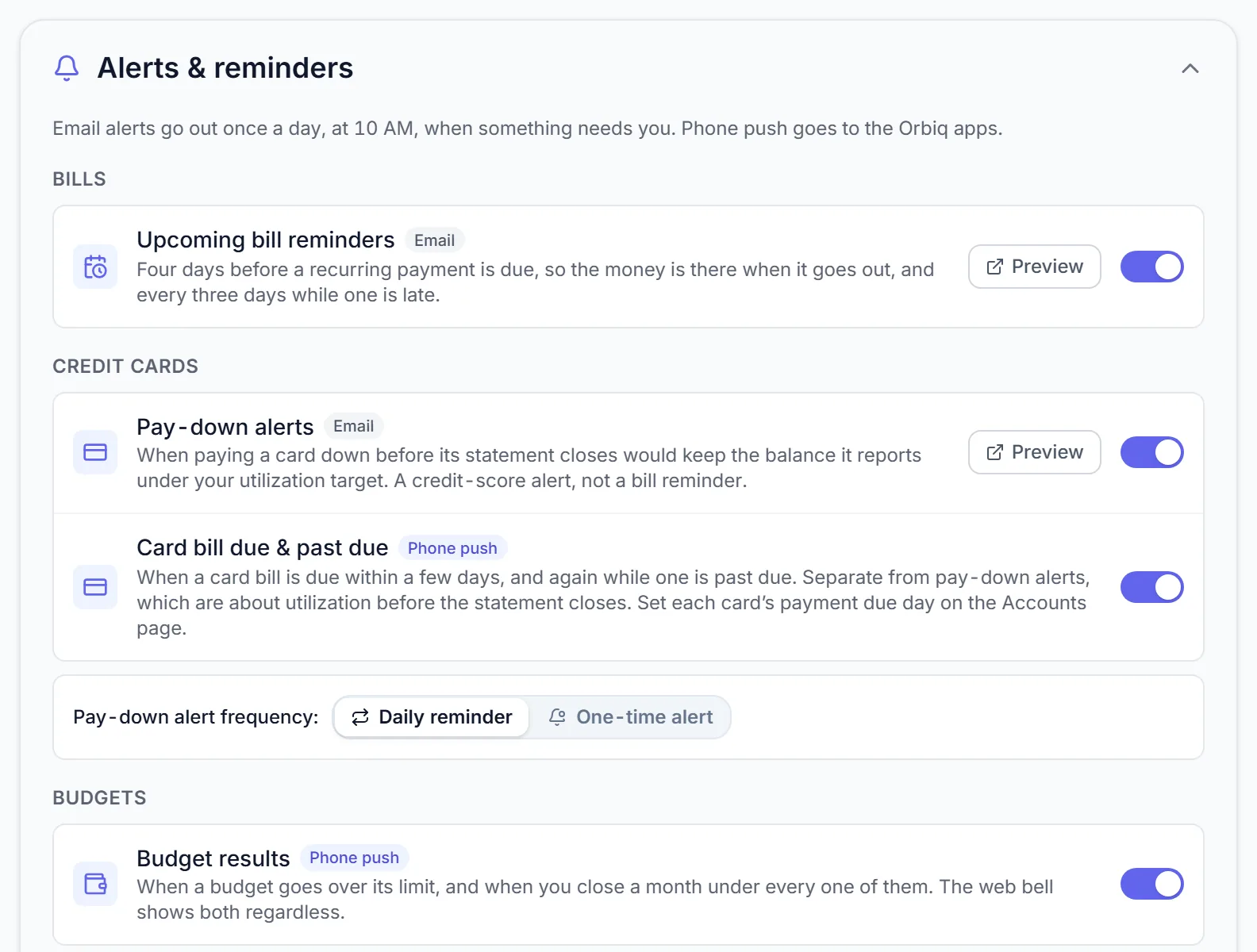
| Alert | Arrives | When |
|---|---|---|
| Upcoming bill reminders | Four days before a recurring bill is due, and every three days while one is late. Paid bills are skipped. | |
| Pay-down alerts | When paying a card down before its statement closes would keep its reported balance under your utilization target. Choose a daily reminder or a one-time alert per cycle. | |
| Card bill due & past due | Push | A few days before a card bill is due, and again while it is past due. Set each card's payment due day on Accounts. |
| Budget results | Push | When a budget goes over, and when you close a month under every one. The bell on the web shows both regardless. |
| Unusual spending | A charge at least 2.5 times your usual in its category over the last 90 days. | |
| Stale data | An account with no new transactions for the number of days you choose, per account. | |
| Monthly spending report | The 1st of each month at 8 AM, built on the same numbers as your dashboard. | |
| Product updates & tips | An occasional newsletter. Unsubscribe any time. |
No figures in an email body#
Amounts never sit in an email. The figures travel in an attached PDF, locked with a password: yours under Settings → Attachment password, or Orbiq's default. Preview any report from Settings.
iPhone & Android The apps also remind you of bills on the device, and need your phone's permission for notifications. If they are blocked, Settings in the app says so.
Something missing or unclear? [email protected]